![Hyfire Logo_MASTER_CMYK.jpg]](https://knowledgebase.hyfirewireless.com/hs-fs/hubfs/Hyfire%20Logo_MASTER_CMYK.jpg?height=40&name=Hyfire%20Logo_MASTER_CMYK.jpg)
Use the TauREX Software to program the Translator.
It is possible to variate the properties of the network devices, locally connected through cable to the personal computer.
Suppose you have the following scenario:
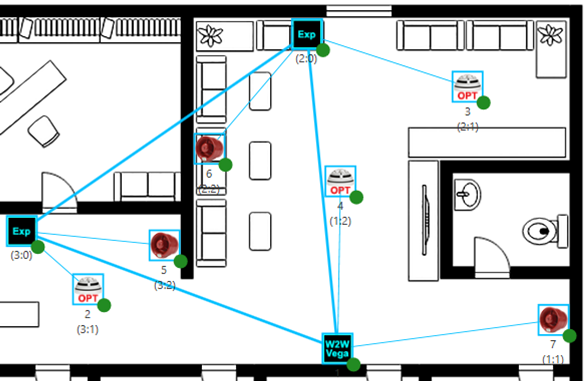
1) Make sure your personal computer is connected via cable to the translator
2) Click on the Translator icon.
A series of command icons appear under the Translator icon.
3) Click the  icon.
icon.
The following properties window appears:
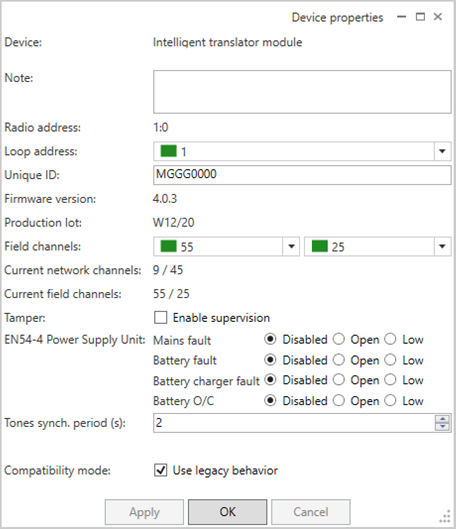
Change the “Loop address” parameter.
- OK to apply the change and close the window.
- Apply to simply make the changes effective.
- Cancel to abandon the operation and the changes.
The central node results in need of programming:
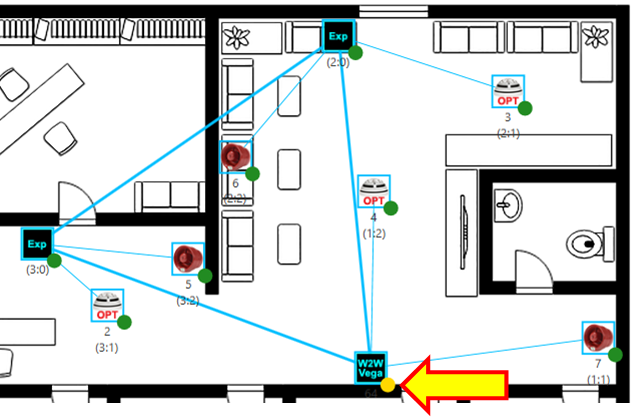
5) Click on the Transaltor icon.
6) Click the  “Program device (local)” icon.
The following progress window appears:
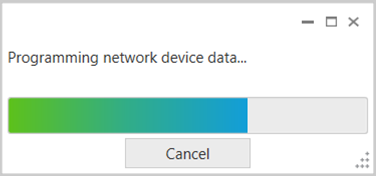
- Cancel to abandon the operation.
Central node is updated.