
By scanning QR codes on the boxes of the devices.
See video demonstration:
Or follow the following steps.
For this functionality, the personal computer requires a webcam.
1) Click the icon ; QR code acquisition screen appears.
2) Expose the device’s QR code to the webcam .
If the device is achieved, the QR code acquisition screen closes down and the virtual device is added to the leftmost panel of the screen under the system’s drop down list box
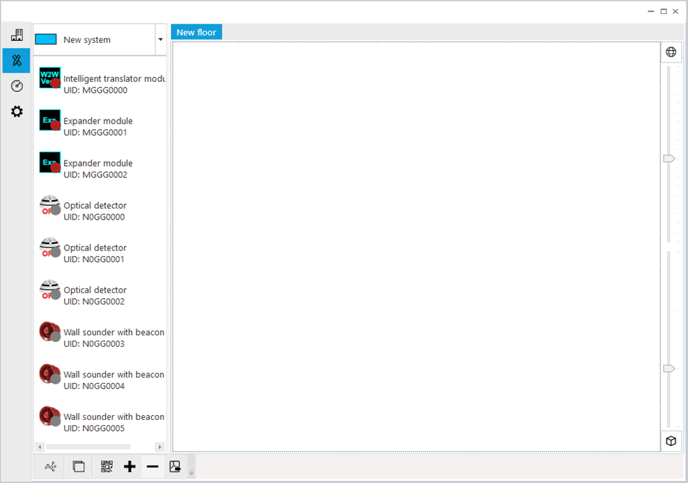
We will indicate this panel area as the warehouse.
If the device is not achieved due to an error, a warning pop-up window appears stating the nature of the error; acquisition screen is not closed down, giving you the chance to retry the scan.